SSE554-Capstone-Project
Access and Use
Build/Run
For instructions on how to run the application and required system specs, see build.md. The application can run on a variety of operating systems, and there is simply some minimum technical requirements to be met. This project was developed on a laptop with 16GB of RAM and Windows 11 as the operating system. It is multithreaded, as it uses a separate thread for JavaFX rendering. While the app is not very resources intensive, the RAM used will increase as the RecentlyViewedWindow gets filled up to capacity. At launch prior to any inputs, approximately 1.5GB of RAM is used, and this increases up to 4.4GB of RAM when the RecentlyViewedWindow is filled to capacity and the SimilarItemsContainer is filled.
Using The Application
For a demo, see Demo Video. The program will firstly take a minute give or take to boot. Most of this time is spent filling the SimilarItemsGraph, a process that looks at exactly 46120 edges between items. This number is 961 choose 2,
as there are 961 items, and there is one edge attempted between each pair.
Filters
Upon launch you will have the following options to filter items
- Price (Minimum and Maximum)
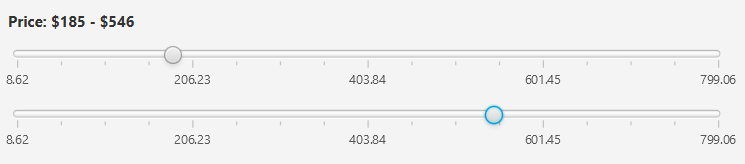
- By dragging and dropping the two slider nubs, a minimum and maximum price can be selected. Note that the minimum and maximum prices are always rounded to the nearest dollar.
- Minimum Rating (1-5 Stars)
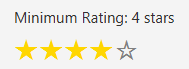
- By clicking on a star, the minimum rating is set to that star index (1 star = 1 minimum rating, 2 stars = 2 minimum rating, etc.). Clicking on the same star again will reset the minimum rating to 0.
- Categorical Data (Category, Tags, and Publisher)
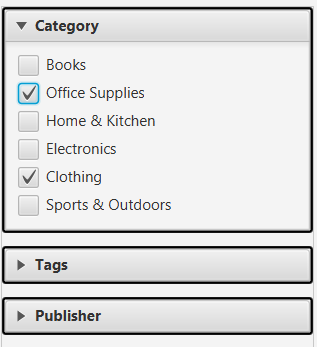
- By clicking on any of the options in the category, tags, or publisher lists, the user can select or deselect that option as a filter. Multiple options can be selected at once, and the user can use the search bar above each list to quickly find an option.
- 4 tags are assigned to each item. When filtering, an item must have all selected tags. If more than 4 tags are selected, no items will be shown.
- Each item has exactly 1 category and 1 publisher. When filtering, an item must have the selected category and publisher to be shown, but there is no limit to how many categories and publishers can be selected at once.
- Search Query
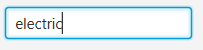
- The search field allows the user to enter a query. The BM25 algorithm is used, and all items get a score. The highest score gets selected, and items whose scores are less than 15% of the highest score get filtered out. This allows precise queries to have fewer results, while broad queries can have many results.
Sorting
Comparators
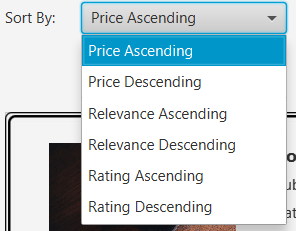
Several different comparators are used to sort the items. The options permitted are the following.
- Relevance (ascending and descending)
- Price (ascending and descending)
- Rating (ascending and descending)
Analyzing Results
When the Search button is selected, the program takes in all the filters and the comparator choice and applies them to the data. A full diagram of the process can be found here: Search Sequence Diagram
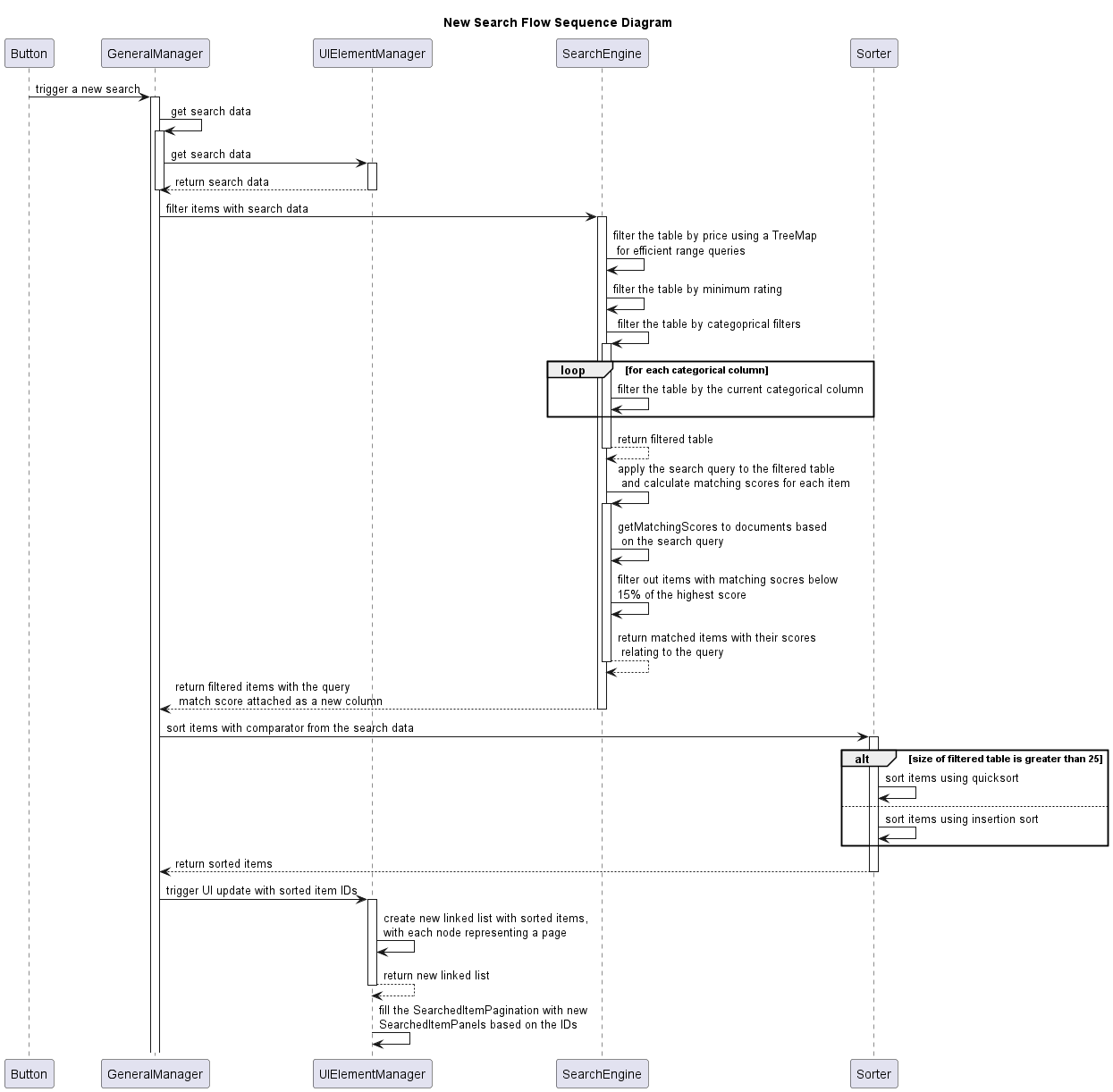
The sequence is as follows.
- Data is gathered from UI elements into a
HashMapand passed to theSearchEngineclass. - The
SearchEngineclass applies the filters in the following order, with each filter being applied to the results of the previous filter. After each filter is applied, the number of items remaining is printed to the console.- Price Filter
- Minimum Rating Filter
- Categorical Filters (Category, Tags, Publisher)
- Search Query Filter
- The
Sorterclass is used to sort the results based on the selected comparator. If the size of the items is less than or equal to 25,InsertionSortis used. If the size of the items is greater than 25,QuickSortis used. - The UI is updated with the sorted and filtered items.
- Keep an eye on the console, as many details about the process are printed, such as the search data pulled from the UI and the number of items remaining after each filter is applied.